TAILOR-MADE DIGITAL CREATIVITY
MADE WITH LOVE & HONESTY
Since 2007
Our site libraries uses Elementor FREE version…
Elementor has no longer page speed problem by disabling unused widgets.
Using the Elementor Free version gives beginners and budget-conscious creators a powerful visual builder without any cost. Its intuitive drag-and-drop interface, responsive design controls, and wide selection of basic widgets make it easy to design attractive pages quickly. Even without Pro, users can build clean landing pages, blog layouts, and simple business websites.
What makes Elementor Free even more effective is the availability of third-party Elementor add-ons. Plugins like Essential Addons, Premium Addons, and Happy Addons provide dozens of extra widgets, templates, animations, and styling features that significantly expand what you can create. These add-ons often include advanced elements—such as carousels, pricing tables, feature boxes, and creative sections—without requiring any upgrade to Elementor Pro.
By combining Elementor Free with reputable add-on plugins, users can achieve a near-Pro level design experience at little or no cost. This approach offers flexibility, allowing developers and business owners to customize their sites extensively while maintaining full control over performance and compatibility. As long as you choose well-optimized add-ons, you can build highly polished, professional webpages on WordPress without breaking your budget.
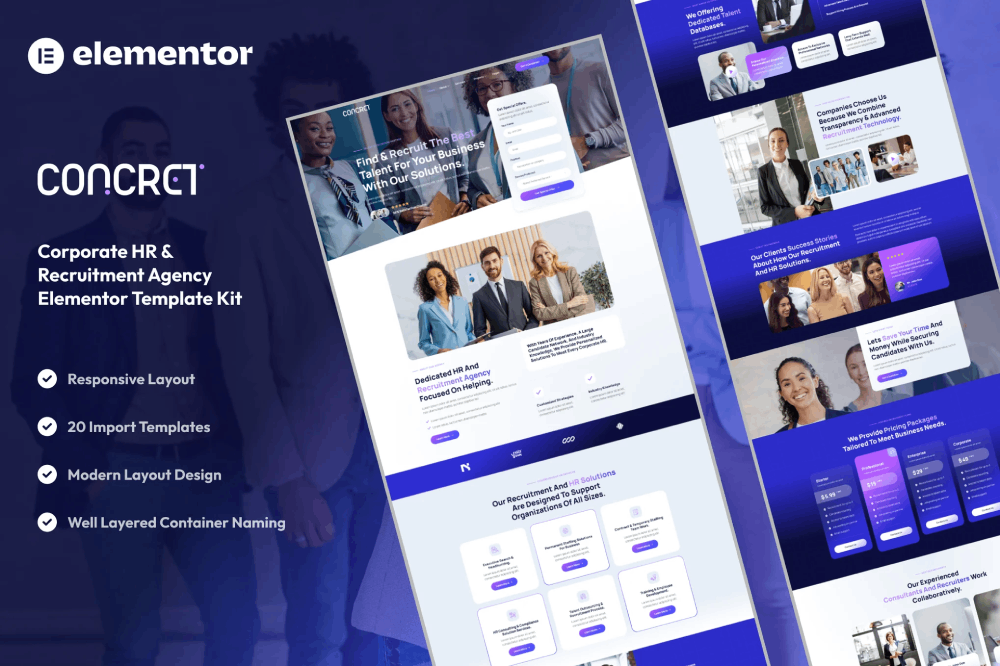
Disabling unused widgets in Elementor offers several important benefits that improve both performance and workflow. First, it reduces bloat by preventing unnecessary scripts and styles from loading on your website. Fewer active widgets mean fewer frontend resources, which results in faster page loading times and a smoother user experience—especially on mobile devices.
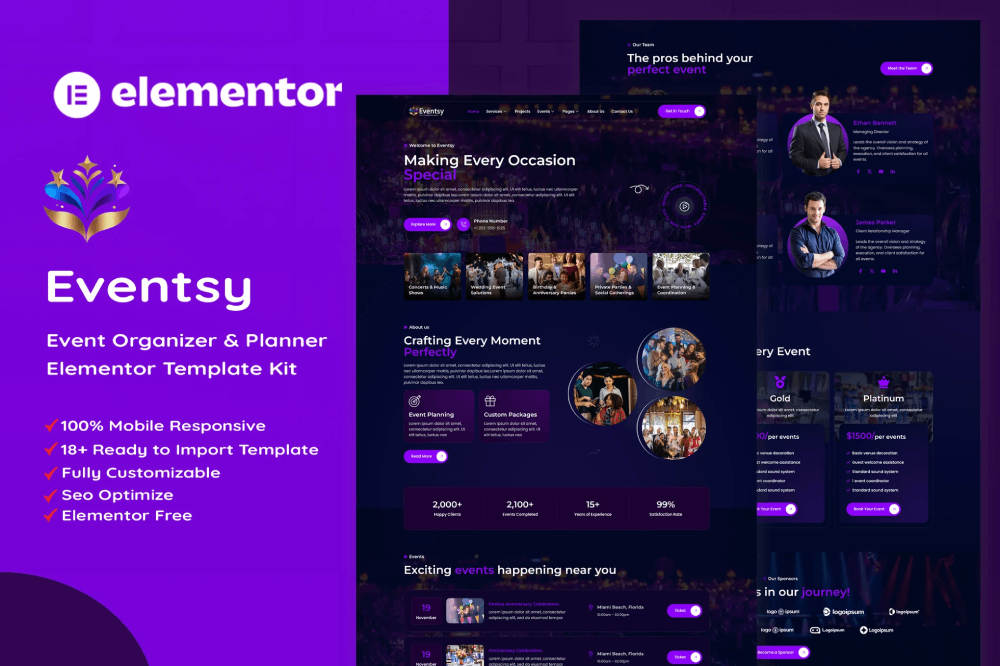
Second, disabling widgets helps keep the Elementor interface clean and organized. When you only see the widgets you actually use, it becomes easier to navigate the editor, speeding up your design process and reducing confusion. This streamlined workspace is especially helpful for beginners or teams that want to standardize their design tools.
Finally, it enhances site stability and security. By reducing the number of active components, you minimize potential conflicts between widgets, themes, and plugins. This lowers the chances of bugs, layout issues, or performance bottlenecks. Overall, disabling unused widgets ensures a leaner, more efficient, and more reliable Elementor workflow.